
Last updated: August 9, 2026
Quick Answer: Custom app development for small business means building software designed specifically for your operations, not adapting a generic tool to fit your workflow. Non-technical founders can lead this process successfully by defining the problem clearly, choosing the right build approach, writing a solid brief, and bringing in a vetted specialist to build it. The total cost for a first app typically ranges from $500 to $15,000 depending on complexity and who you hire.
Key Takeaways
- A custom app solves a specific business problem that off-the-shelf software cannot address cost-effectively
- Non-technical founders do not need to write code, they need to define problems clearly and manage communication
- Three build paths exist: AI-assisted no-code builders, freelance developers, and agencies, each with different cost and control trade-offs
- A Minimum Viable Product (MVP) approach reduces financial risk and lets you validate the idea before investing further
- Writing a detailed brief before hiring anyone is the single most important step a non-technical founder can take
- A single vetted specialist offers affordable access to professional work without agency retainer fees
- Protecting your idea with a Non-Disclosure Agreement (NDA) before sharing details with any developer is standard practice
- Post-launch maintenance is ongoing, budget for it from day one
Table of Contents
- Do You Actually Need a Custom App?
- Problems a Custom App Can Solve for Small Businesses
- Step 1: Define the Problem, Not the Solution
- Step 2: Build vs. Adapt vs. Customize, With Realistic Pricing
- Step 3: Write a Detailed Brief
- Step 4: Work With a Curated Specialist
- Step 5: Manage the Project Without Technical Skills
- Web App, Mobile App, or Both?
- How to Protect Your App Idea Before Talking to Developers
- Can You Start with an MVP and Add Features Later?
- What Happens When a Project Goes Over Budget or Timeline?
- A Real Example: From Manual Chaos to a Working App
- Common Mistakes Non-Technical Founders Make
- FAQ
- Conclusion
Do You Actually Need a Custom App?
Most small businesses do not need a custom app, until they do. The clearest signal is when a generic tool forces you to change how your business works, rather than supporting how it already works. If you are duct-taping three different software subscriptions together to accomplish one task, that is a strong sign a custom solution would pay for itself quickly.
Before spending a dollar on development, run this quick self-audit:
- Are you paying for two or more tools that only partially solve one problem?
- Do you spend more than two hours per week on a manual process that feels automatable?
- Have customers complained about friction in your booking, ordering, or communication process?
- Does your team use workarounds (spreadsheets, WhatsApp threads, paper forms) because your software does not fit?
If you answered yes to two or more of these, custom app development for small business is worth a serious look.
Problems a Custom App Can Solve for Small Businesses
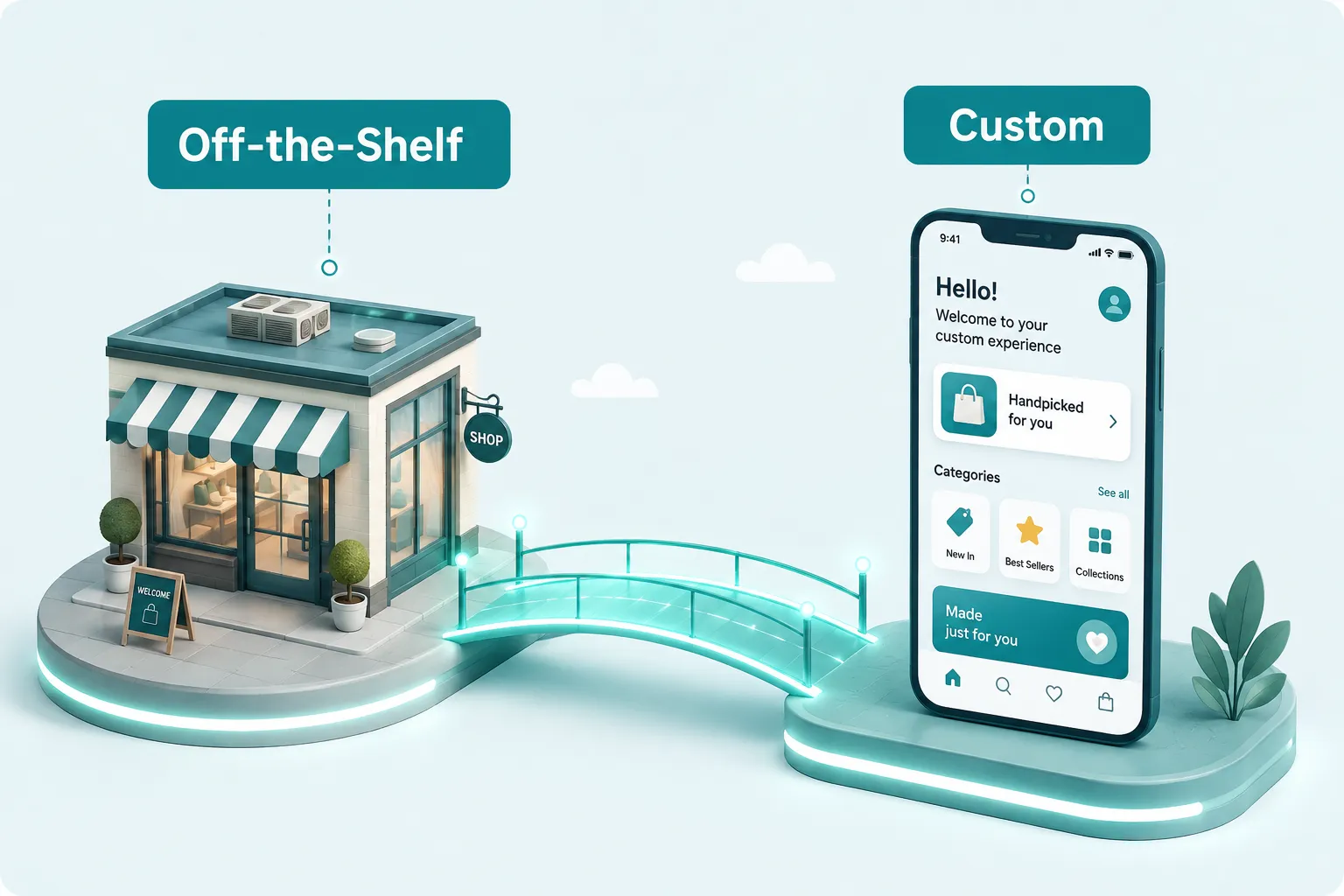
A custom app directly addresses the operational gaps that generic software leaves open. For small businesses, the most common problems worth solving with a custom build include:
- Booking and scheduling that reflects your specific service rules, staff availability, and pricing tiers
- Client portals where customers can track orders, upload documents, or access invoices without calling you
- Internal workflow tools that replace a chain of emails or a shared spreadsheet
- Inventory management tied directly to your suppliers and reorder thresholds
- Loyalty and referral programs built around your specific customer behavior
The key distinction: a custom app does exactly what your business needs and nothing it does not. You are not paying for features built for a different industry.
Step 1: Define the Problem, Not the Solution
The most expensive mistake in custom app development for small business is arriving at a developer with a solution already in mind (“I need an app that does X”) rather than a problem (“My customers drop off at checkout because they cannot save their cart across devices”).
Start with the problem statement. A good problem statement answers three questions:
- Who is experiencing the problem? (customers, staff, you)
- What exactly happens, or fails to happen?
- What does it cost the business? (time, revenue, customer churn)
A concrete example: a small event photography studio was spending four hours every Monday manually sending galleries, invoices, and feedback forms to weekend clients. The problem was not “we need an app.” The problem was “our post-event client communication takes four hours of manual work per week and causes delays that hurt reviews.” That clarity led directly to a simple client portal, built in under three weeks for under $2,000.
Write your problem statement in one paragraph before you do anything else.
Step 2: Build vs. Adapt vs. Customize, With Realistic Pricing
Three distinct paths exist for custom app development for small business, and choosing the wrong one is a common source of wasted money.

Path 1: Use a Vetted Specialist for a Focused Build
The most reliable route for a non-technical founder is to bring in one experienced specialist for a clearly scoped job. They handle the whole build, custom logic, integrations, and the polished parts that no-code templates can’t reach, and you don’t pay agency rates or commit to a retainer.
- Estimated cost: $800,$3,500 for a custom web-app MVP, depending on scope
- Best for: founders who want it done right the first time without learning to build
- Advantage: you own the source code, get exactly your workflow, and stay focused on running the business
Path 2: Freelance Developer
A skilled freelancer builds a fully custom app to your specifications. Platforms like Fiverr connect you with vetted specialists at a fraction of agency rates.
- Estimated cost: $500,$8,000 for an MVP, depending on complexity
- Best for: founders who need more flexibility than no-code allows but cannot afford an agency
- Limitation: requires a clear brief and active project management from your side
Path 3: Development Agency
An agency provides a full team, designer, developer, project manager, under one contract.
- Estimated cost: $15,000,$100,000+
- Best for: well-funded projects with complex requirements and no internal capacity to manage a freelancer
- Limitation: expensive, slower to start, and often overkill for a first business app
| Path | Best For | Typical MVP Cost | Speed |
|---|---|---|---|
| No-Code Builder | Simple internal tools | $200,$900 | Days |
| Freelancer | Custom MVP | $500,$8,000 | 2-8 weeks |
| Agency | Complex, funded projects | $15,000+ | 8-24 weeks |
Step 3: Write a Detailed Brief
A brief is a written document that tells a developer exactly what you need. Developers who receive a clear brief deliver better work, faster, and at lower cost. Vague briefs are the number-one cause of scope creep and budget overruns.
Your brief should include:
- The problem statement (from Step 1)
- Who will use the app (customers, staff, both) and on what devices
- The core features, list only what is essential for launch (see the MVP section below)
- What the app should NOT do, this prevents developers from adding unnecessary complexity
- Examples of apps you like, screenshots or links work fine
- Your budget range and your hard deadline, if one exists
- How success will be measured, for example, “reduces booking time from 10 minutes to under 2 minutes”
Keep the brief to one or two pages. Longer is not better. Clarity is better.
Step 4: Work With a Curated Specialist
Here’s the part that trips up most non-technical founders: it feels like you’re gambling on a stranger. You don’t have to. You need one focused specialist for a defined job, and you want to start from a shortlist that’s already proven instead of scrolling through thousands of unknowns.
Start with a curated specialist, not a DIY tool.
Most founders assume they need to learn a no-code platform or gamble on a marketplace. You don’t. The fastest, lowest-risk route is to hand a tightly scoped job to one vetted specialist who’s done your exact type of build before. You write the brief, they do the heavy lifting, and you get a working app without burning weeks learning tools or risking an unfinished product.
Scope it tightly, agree on milestones, and you’ll know exactly what you’re paying for before a single line of code is written.
Scope it tightly before you contact anyone.
A clear one-page brief is the difference between a $2,000 project and a $12,000 project. Pin down what the app does, what it deliberately doesn’t do, who uses it, and what “done” looks like. Developers who get a clear brief deliver better work, faster, and cheaper.
What to check before you hire anyone:
- Ask for two examples of similar completed projects, with working demos you can click through
- Read the negative reviews, not just the five-star ones, they reveal how a seller handles problems
- Message two or three candidates with your actual brief before deciding
- Clarify who owns the source code and what the handover looks like when it’s done
- Use milestone payments, and never pay 100% upfront
Realistic budget (2026):
- Simple no-code app setup: $150,$500
- Custom MVP (web app): $800,$3,500
- Custom MVP (mobile app): $1,500,$6,000
- Ongoing maintenance retainer: $100,$400/month
The specialists we recommend across The Gig Resource are the ones we’ve vetted for this exact kind of work. Every profile, price benchmark, and process detail you need is laid out so you start from a working shortlist, not an open marketplace.
Step 5: Manage the Project Without Technical Skills
Non-technical founders can manage a development project effectively by focusing on outcomes, not code. The goal is clear communication, not technical oversight.
A practical management framework:
- Weekly check-ins: a 20-minute video call or written update every week keeps both sides aligned
- Milestone-based payments: tie each payment to a deliverable you can see and test, not hours worked
- Test as you go: ask for a working demo at each milestone, click through it as if you were a customer
- Keep a change log: every time you ask for something new or different, write it down and agree on whether it affects the price or timeline
- Use a shared tool: Trello, Notion, or even a shared Google Doc works fine for tracking tasks
“The best project management tool for a non-technical founder is a written list of what was agreed, what was delivered, and what is still outstanding. Complexity beyond that is usually unnecessary.”
If a developer resists showing you working demos or becomes vague about timelines, treat that as a red flag.
Web App, Mobile App, or Both?
For most small businesses, a web app is the right starting point. Web apps run in a browser, work on any device, and cost significantly less to build and maintain than native mobile apps.
Choose a web app if:
- Your users are primarily on desktop or laptop
- You need to launch quickly and on a limited budget
- Your app involves forms, dashboards, or data management
Choose a mobile app if:
- Your users need offline functionality (field workers, delivery drivers)
- You need device features like GPS, camera, or push notifications
- Your customers are primarily on smartphones and the experience needs to feel native
Choose both if:
- You have validated the web app and have a clear reason customers need a dedicated mobile experience
- Your budget allows for it after the web version is proven
Building both from day one is rarely the right move for a first app. Start with the platform where your users already are.
How to Protect Your App Idea Before Talking to Developers
An NDA (Non-Disclosure Agreement) is the standard protection mechanism before sharing your app concept with any developer or agency. A basic NDA template costs nothing, free versions are available from legal resource sites, and most professional developers will sign one without hesitation.
Beyond the NDA, keep these practices in mind:
- Share only what the developer needs to know to quote the project, not your full business strategy
- Register a trademark for your app name if it is central to your brand identity
- Document your idea with a dated written record before any conversations begin (an email to yourself with a timestamp works)
- Understand that ideas alone are not protectable, execution is. The NDA protects your specific implementation details, not the general concept
Developers who refuse to sign a reasonable NDA are worth avoiding.
Can You Start with an MVP and Add Features Later?
Yes, and for most small businesses, starting with an MVP is the correct approach. An MVP (Minimum Viable Product) is the simplest version of your app that solves the core problem and nothing else.
The MVP approach works because:
- It reduces upfront cost by 50-70% compared to building the full vision immediately
- It lets real users tell you which features actually matter before you build them
- It gets something working into your hands faster, so you can validate the idea with real data
What belongs in an MVP:
- The one core action your app must perform
- User login or access control, if required
- Basic data storage
- A way to collect feedback from early users
What does NOT belong in an MVP:
- Advanced reporting or analytics
- Multiple user roles with complex permissions
- Integrations with third-party tools (add these after launch)
- Polished visual design beyond functional clarity
Plan your feature roadmap in phases: Phase 1 is the MVP, Phase 2 adds the next most-requested features, and so on. This keeps costs predictable and the project manageable.
What Happens When a Project Goes Over Budget or Timeline?
Scope creep is the most common reason app projects go over budget. Scope creep happens when new features or changes are added during development without adjusting the price or timeline.
Prevention is easier than recovery:
- Lock the scope in writing before development begins
- Treat every new request as a separate conversation about cost and timeline
- Build a 15-20% contingency buffer into your budget from the start
If a project is already running over:
- Stop adding new requests immediately
- Ask the developer for a written list of what is complete, what is in progress, and what is remaining
- Decide whether to finish the original scope or formally renegotiate
- If the relationship has broken down, use Fiverr’s dispute resolution process before releasing final payment
A project running two weeks late is normal. A project running six weeks late with no working demo is a serious problem that requires a direct conversation.
A Real Example: From Manual Chaos to a Working App
A small home-cleaning company in Austin was managing 40+ weekly bookings through a combination of text messages, a paper calendar, and a shared Google Sheet. Staff scheduling took the owner two hours every Sunday night. Customers frequently called to reschedule, which required manual updates across all three systems.
The owner, with no technical background, followed a process similar to the steps above. She wrote a one-page problem statement, identified that a simple booking and staff-scheduling web app would solve 80% of her pain, and hired a Bubble specialist for $2,200, one we’d vetted for this exact job. The MVP was delivered in four weeks and included customer self-booking, automatic staff assignment based on availability, and email confirmations.
Within 60 days of launch, her Sunday scheduling task dropped from two hours to 20 minutes. Customer rescheduling calls dropped by roughly half. The app paid for itself within the first quarter.
This is not an unusual outcome. The pattern, clear problem, focused MVP, right specialist, repeats across industries.
Common Mistakes Non-Technical Founders Make

Avoiding these mistakes will save significant time and money:
- Building before validating: spending money on development before confirming that customers actually want the solution
- Skipping the brief: starting development with only a verbal description of what you want
- Hiring on price alone: the cheapest developer is rarely the best value, check portfolios and reviews carefully
- Requesting too many features for the MVP: every extra feature adds cost, time, and complexity
- Ignoring maintenance costs: apps require updates, security patches, and occasional bug fixes, budget $100,$400/month ongoing
- Not owning the source code: always confirm in writing that you own the code when the project ends
- Treating the first version as final: the best apps evolve based on user feedback, plan for iteration from the start
FAQ
How much does custom app development for small business actually cost?
A simple MVP built by a freelancer typically costs between $500 and $8,000. No-code platforms can reduce this to under $1,000 with the right setup. Agency-built apps start at $15,000 and can exceed $100,000 for complex projects. Budget an additional 15-20% contingency on any estimate.
How long does it take to build a custom business app?
A no-code MVP can be ready in days to two weeks. A freelancer-built custom MVP typically takes two to eight weeks. Agency projects often run eight to 24 weeks from contract to launch. Timeline depends heavily on how quickly the founder can provide feedback and approvals.
Do I need technical skills to manage a custom app project?
No. Non-technical founders manage successful app projects regularly by focusing on clear communication, milestone-based payments, and testing working demos at each stage. The ability to describe a problem clearly is more valuable than any technical knowledge.
What is the difference between hiring a freelancer vs. an agency for app development?
A freelancer is one person (or a small team) working independently, lower cost, more direct communication, but less capacity for large or complex projects. An agency provides a full team with project management included, higher cost, more process, better suited to well-funded projects with complex requirements.
Should I build a web app or a mobile app first?
Start with a web app in most cases. Web apps work on any device, cost less to build, and are faster to update. Build a dedicated mobile app only after you have validated the concept and identified a specific reason your users need a native mobile experience.
How do I maintain and update my app after it is built?
Plan for ongoing maintenance from day one. Options include a monthly retainer with your original developer ($100,$400/month), a no-code platform that handles infrastructure automatically, or learning basic platform management yourself if the tool allows it. Never let a live app go unpatched for more than 90 days.
What features should my first business app have?
Your first app should do one thing well. Include only the core action (booking, ordering, tracking, communicating), basic user access control if needed, and a feedback mechanism. Add reporting, integrations, and advanced features in Phase 2 after real users have told you what they actually need.
Can I use AI tools to build my own app without hiring anyone?
Yes, for simple use cases. Platforms like Lovable, Bubble, Adalo, and Softr allow non-technical founders to build functional apps using visual editors and AI prompts. For anything requiring custom logic, external integrations, or a polished user experience, a specialist will still produce better results faster.
Conclusion
Custom app development for small business is no longer the exclusive territory of well-funded startups or companies with in-house engineering teams. The combination of AI-assisted no-code platforms, accessible freelance marketplaces like Fiverr, and a clear build methodology puts a working custom app within reach of any founder willing to define their problem precisely and manage the process actively.
For a complete breakdown of how to handle all of your business technology, from email to security, see our hub guide: small business tech support.
Actionable next steps:
- Complete the self-audit checklist at the top of this guide, if two or more answers are yes, proceed
- Write a one-paragraph problem statement before doing anything else
- Decide which build path fits your budget and complexity: no-code builder, freelancer, or agency
- Draft a one-to-two-page brief using the framework in Step 3
- Search Fiverr for specialists matching your chosen platform or stack, message three candidates with your brief, and compare responses
- Start with an MVP, plan to launch something small within 60 days, then iterate
The founders who succeed with custom apps are not the most technical. They are the most clear about what problem they are solving and the most disciplined about staying focused on that problem through every stage of development.