
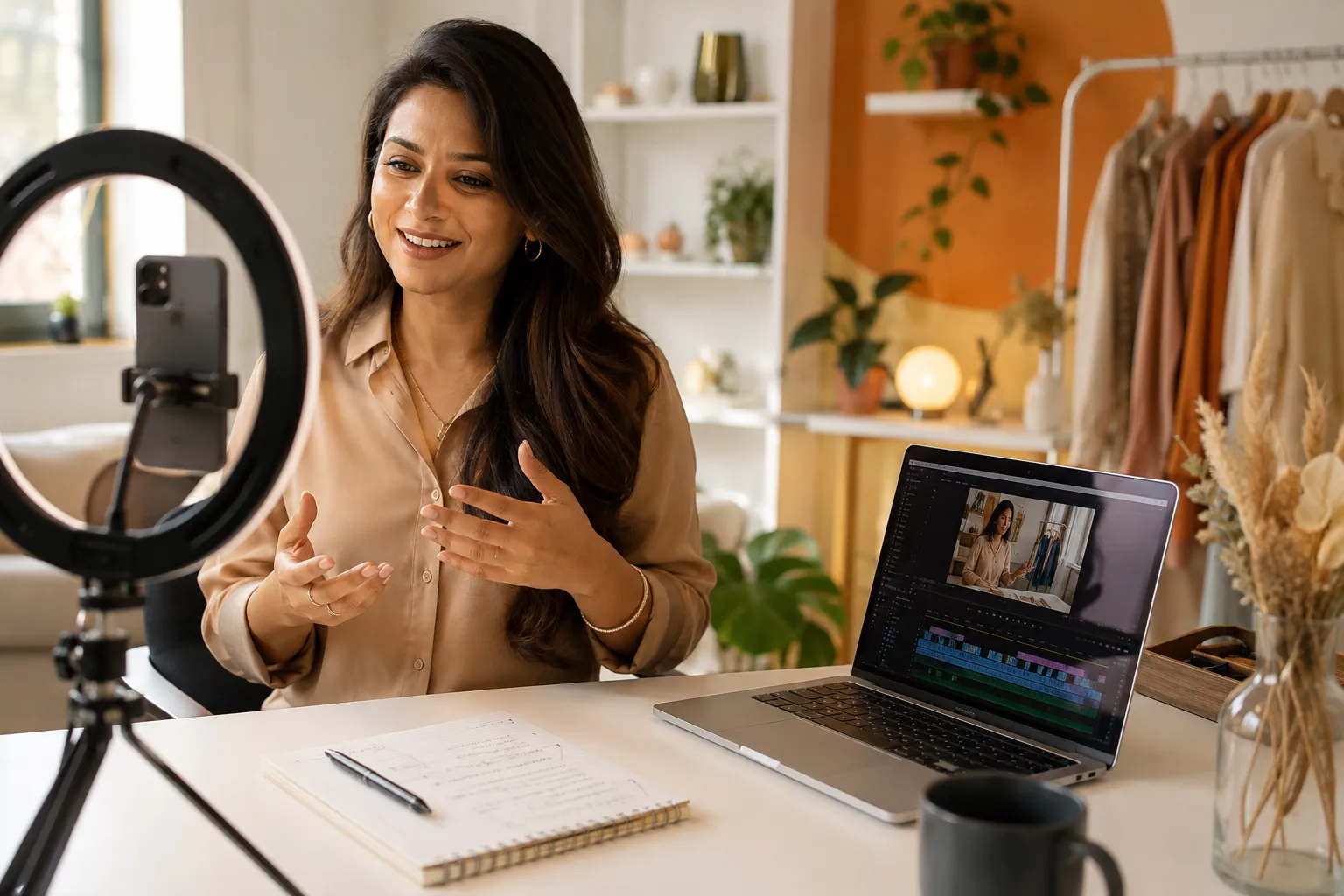
More than 90% of consumers say video helps them make purchasing decisions, yet the majority of small business owners still have no repeatable system for producing it [5]. That gap, between knowing video matters and having a working plan, is exactly where revenue quietly leaks away.
A solid small business video strategy does not require a film degree, a studio, or expensive software. It requires clarity about what each video needs to accomplish, a workflow that can be repeated without burning out, and the right division of labour between what only the business owner can provide and what a specialist can handle far more efficiently.
This guide covers both sides of that equation: building an attention engine with short-form content, and using promotional video to convert website visitors into leads. Every section is designed to be practical and immediately usable.
Quick Answer: What a Small Business Video Strategy Actually Needs
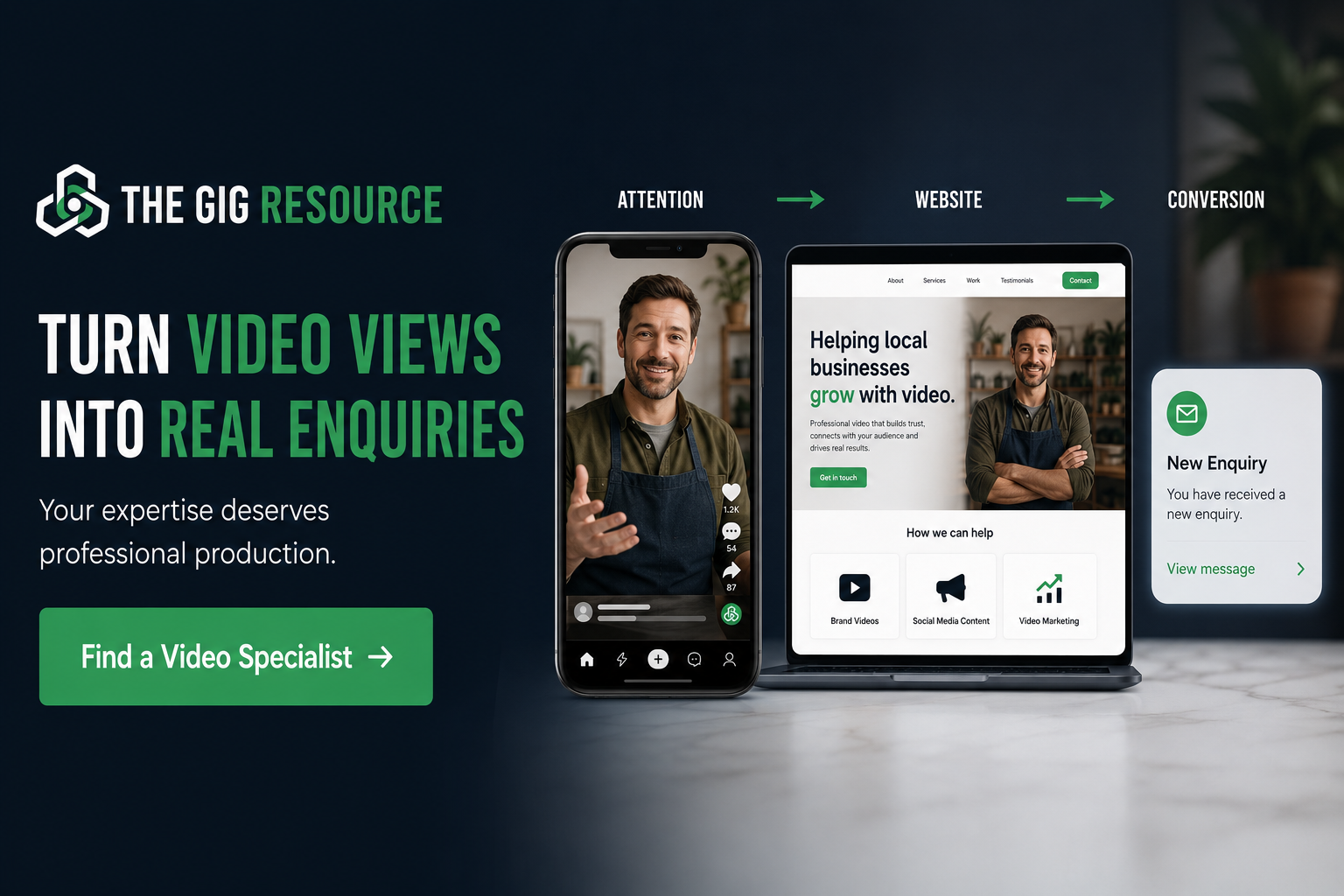
A small business video strategy is a repeatable system for creating, producing, and placing video content so it earns attention on social and search surfaces and converts visitors on websites and landing pages.
The critical distinction is between random videos and a repeatable video content workflow. Random videos are posted when inspiration strikes, have no consistent format, and produce unpredictable results. A repeatable workflow means the business owner knows what to record, how to organise raw footage, who handles editing, and where the finished video goes.
The owner’s role is to supply expertise, customer understanding, and offer clarity. A freelance video editor or independent production specialist handles the technical work: pacing, captions, colour grading, and final formatting. That division makes the whole system sustainable.
Key Takeaways
- Video has two distinct jobs: capturing attention on social and search surfaces, and converting interest on websites and landing pages.
- Business owners do not need to become editors, raw expertise combined with specialist editing is the practical and scalable model.
- A repeatable video content workflow matters more than owning complex software or expensive equipment.
- Short-form vertical video is currently the primary growth engine for small businesses reaching new audiences [7].
- Placing a concise explainer or promotional video on a landing page can meaningfully improve the rate at which visitors take the next step.
Why Static Marketing Is Losing Attention
Feeds are crowded. The average person scrolls past hundreds of posts each day, and static images or blocks of text rarely stop that scroll. Short, well-paced video does, because motion, voice, and visual change trigger attention in a way that a flat graphic simply cannot.
This is not a trend that is about to reverse. Short-form vertical video now represents the dominant content format across the major social platforms, and small businesses that rely solely on static posts are competing at a structural disadvantage [1].
The problem is not just quantity of content. It is quality of communication. A video that opens with a weak first line, has muddy audio, no captions, and no clear point will do more damage than no video at all. Viewers associate poor production with poor service. The business may be excellent, but an amateur video communicates otherwise.
Three specific production problems that damage trust:
| Problem | What the viewer perceives |
|---|---|
| Unclear or muddy audio | Unprofessional, hard to trust |
| No captions | Inaccessible, low effort |
| Slow pacing with long pauses | Disorganised, not worth watching |
| No clear point or ending | Confused about what to do next |
| Shaky, poorly lit footage | Cheap, unpolished |
Fixing these problems does not require a camera crew. It requires a clear recording process and a competent editing specialist who knows how to clean up raw footage.
The Two Jobs Video Must Do for a Small Business
Every video a small business produces should serve one of two purposes.
Job 1: Capture attention on social feeds, search results, and discovery surfaces. These are short-form clips, typically under 90 seconds, designed to stop the scroll, establish authority, and bring new viewers into the business’s orbit.
Job 2: Convert interest on websites, landing pages, service pages, and email sequences. These are promotional videos, explainer videos, and video sales letters designed to take a visitor who already has some interest and move them toward a specific action: booking, enquiring, or buying.
The mistake most small businesses make is treating these as the same thing. They post a long, detailed explainer video on social media (where attention spans are short and context is low) and put a quick, casual clip on their website (where a visitor needs clarity and confidence to take action).
A connected small business video strategy uses the right format in the right place, with both types working together: social video builds awareness, website video closes the gap between interest and action.
Part One: Build an Attention Engine with Short-Form Video
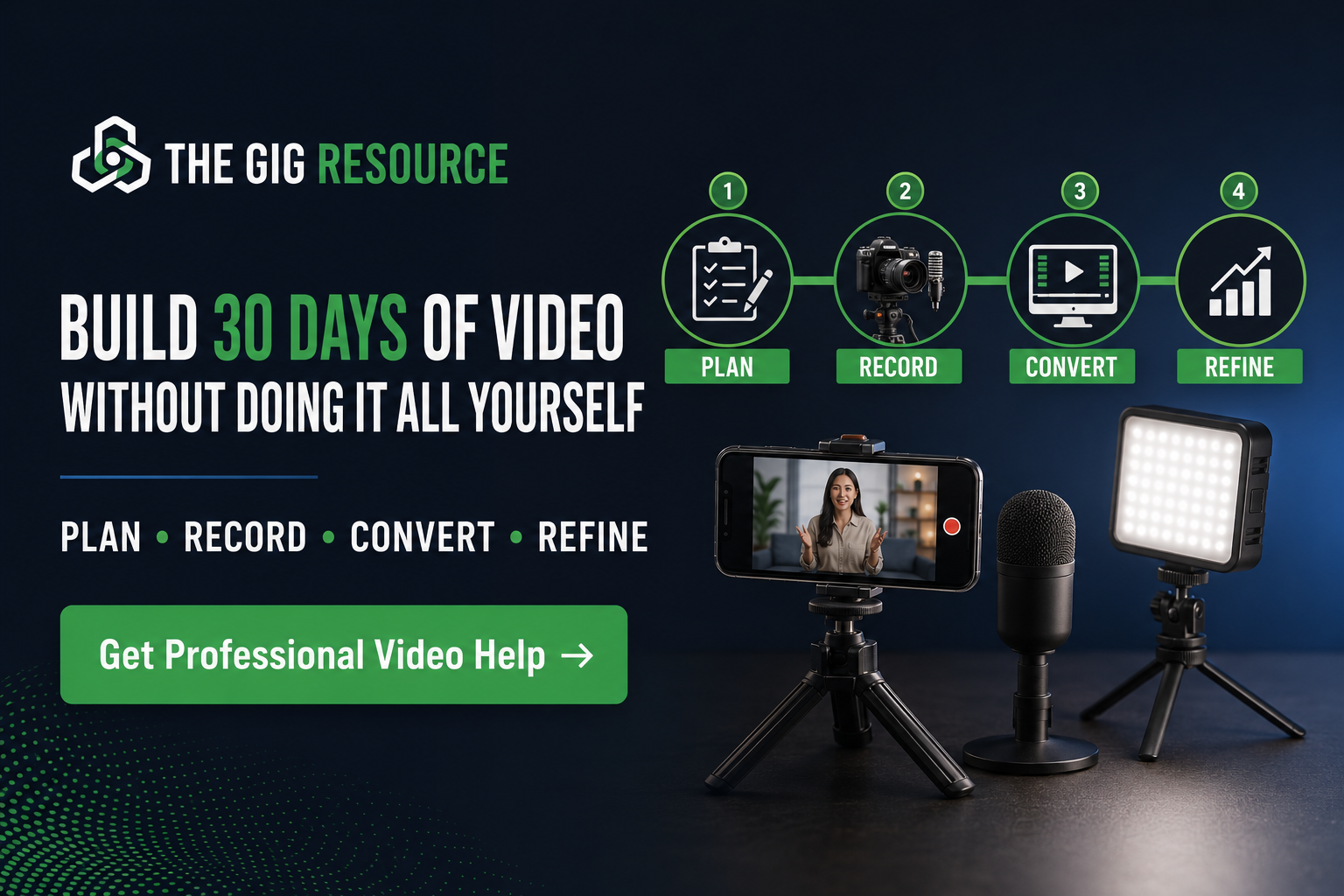
Short vertical clips, filmed in portrait orientation for mobile viewing, are the format best suited to short-form feeds in 2026. They are not just for large brands or influencers. A local plumber explaining the three most common pipe mistakes, a bookkeeper walking through a tax deadline checklist, or a physiotherapist demonstrating a simple posture correction, all of these have a stronger chance of performing than a polished brand advertisement, because they lead with genuine usefulness [8].
The anatomy of a short-form clip that holds attention
Hook (first 1-3 seconds): The opening line must create a reason to keep watching. A direct statement of the problem, a surprising claim, or a bold question works far better than a slow introduction.
Single idea: Each clip should cover exactly one point. Trying to cover three ideas in 60 seconds results in a video that covers none of them well.
Pattern interrupt: A change in camera angle, a cut to a screen recording, or a brief piece of text on screen gives the viewer’s brain a reason to stay engaged.
Captions: A significant proportion of short-form video is watched without sound, particularly in public spaces [6]. Captions are not optional, they are a baseline requirement for reach and accessibility.
Clear ending: Every clip should end with a direction: follow for more, comment with a question, visit the website, or book a call. Without an ending, the viewer has nowhere to go.
How to Record Useful Short-Form Videos When You Have No Editing Skills
The most practical recording workflow for a busy small business owner involves batching, setting aside one afternoon to record 10 to 20 short clips rather than trying to record one video at a time.
A simple batching process
- Write 10-20 prompts before recording. Use customer questions, common objections, industry myths, mistakes clients make, and before/after explanations. These are the topics that already come up in conversations with real customers.
- Set up once. Find a clean background, consistent lighting (natural window light works well), and a phone on a small tripod or propped against a stable surface.
- Record each clip in one or two takes. The goal is usable raw footage, not a perfect performance. Editing will clean up the pauses and stumbles.
- Label each clip immediately. Use simple file names: “myth-1-raw”, “question-3-raw”, “tip-5-raw”. This makes the editing process faster and cheaper.
The owner’s role here is to be the expert, not an entertainer. Authenticity and useful information outperform scripted performance in most short-form contexts. The editing specialist handles everything else.
Prompt categories that generate reliable content
- “The most common mistake I see clients make is…”
- “Here is what nobody tells you about [your service]…”
- “Three questions to ask before you hire a [your trade]…”
- “This is what a good [result] actually looks like…”
- “The reason most people struggle with [problem] is…”
These prompts keep the business owner in the role of trusted adviser, which is the most effective positioning for a service business.
The Simple Folder Workflow That Keeps Video Content Organised
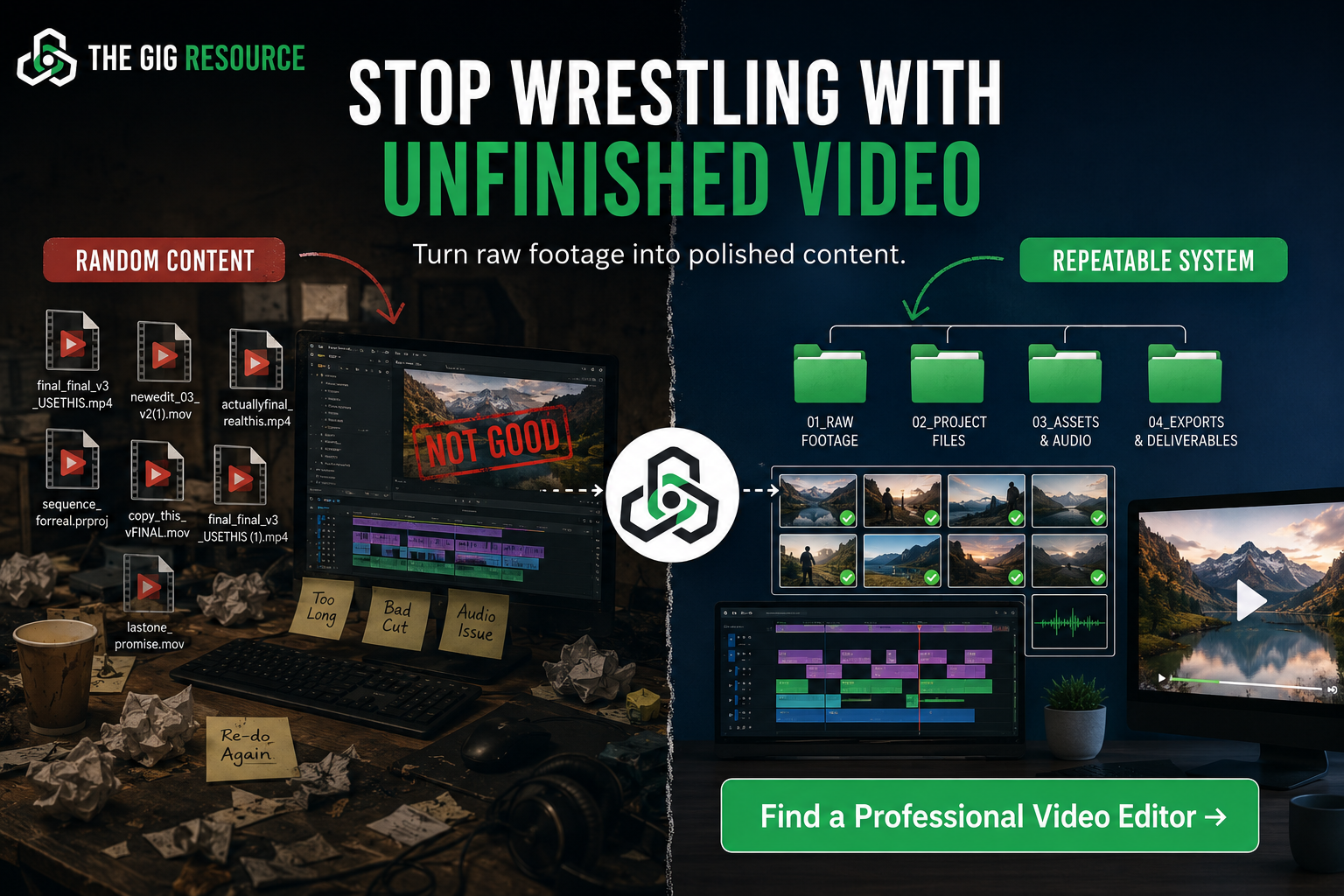
Clean organisation is the single most overlooked factor in making outsourced video editing affordable and efficient. When a freelance video editor receives a disorganised folder of unlabelled clips, they spend billable time sorting instead of editing.
A five-folder system solves this:
| Folder | Contents |
|---|---|
| Raw Footage | All unedited clips, labelled by topic |
| Scripts and Notes | Bullet points, talking notes, key messages per clip |
| Brand Assets | Logo files, colour codes, font files, intro/outro templates |
| Finished Exports | Final edited videos, ready to publish |
| Revision Notes | Written feedback on each draft, referenced by timestamp |
This structure means the editing specialist can open a project, understand the goal immediately, and begin working without back-and-forth clarification. It also means the business owner can hand off a batch of clips and receive finished videos without managing the process daily.
What Makes People Keep Watching
Retention, the percentage of viewers who watch through to the end, is the metric that matters most for short-form video performance. A video that holds 70% of viewers to the end will be distributed more widely than one that loses 80% of viewers in the first ten seconds.
Six factors that improve retention:
- Strong first line, state the value immediately, not after a slow introduction.
- Fast removal of pauses, dead air, filler words, and long pauses should be cut in editing.
- Tight structure, hook, one idea, clear ending. Nothing extra.
- Large, readable captions, white text with a dark outline, positioned in the safe zone of the frame.
- B-roll and screen examples, cutting to a relevant visual every 5-8 seconds maintains interest.
- Clear ending or next step, the viewer needs to know what to do when the clip ends.
An experienced editing specialist can apply all six of these in post-production, which is why raw footage quality matters less than most business owners assume. A well-edited clip from a smartphone will outperform a poorly edited clip from a professional camera.
Part Two: Use Promotional Video to Turn Website Visitors into Leads
Attention without conversion is just entertainment. The second half of a complete small business video strategy focuses on what happens after a visitor arrives at the website.
Most small business websites have a fundamental problem: they explain what the business does but not why the visitor should care right now. A wall of text about services, qualifications, and history does not answer the question the visitor is actually asking, “Is this the right solution for my specific problem?”
A well-placed promotional video for small business answers that question in 60 to 120 seconds. It does the work that a page of copy struggles to do: it communicates tone, builds trust through voice and face, and moves the visitor toward a clear next action [3].
Why Website Visitors Bounce When the Offer Is Unclear
Cognitive load is the mental effort required to process information. When a visitor lands on a page and has to read three paragraphs, scan a list of services, interpret a pricing table, and find the contact button, that is high cognitive load. Many visitors simply leave.
The first ten seconds on a landing page determine whether the visitor stays or goes. In those ten seconds, the page needs to communicate three things:
- Who this is for
- What problem it solves
- What to do next
A concise video in the hero section of a landing page can deliver all three in a format that requires far less effort from the visitor than reading. The visitor watches, understands, and either takes action or self-selects out, which is also useful, because it means the enquiries that do come through are better qualified.
The Anatomy of a High-Converting Small Business Explainer Video
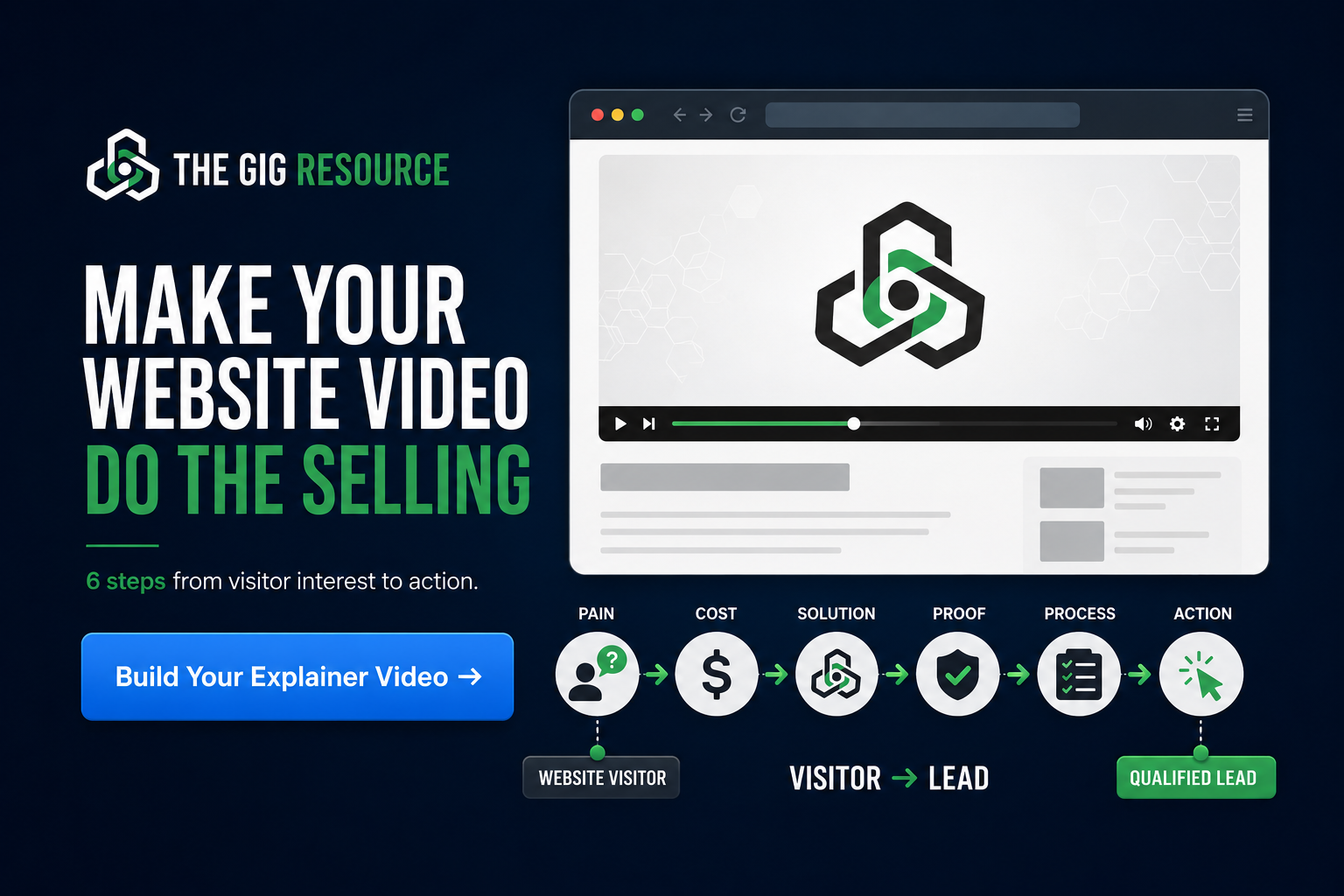
A promotional or explainer video that reliably converts visitors follows a straightforward six-part structure. This is not a rigid script, it is a framework that ensures the video covers what a visitor needs to hear.
| Section | Purpose | Approximate length |
|---|---|---|
| Pain point | Name the problem the viewer is experiencing | 10-15 seconds |
| Cost of inaction | Explain what happens if the problem stays unsolved | 10-15 seconds |
| Clear solution | Introduce the business’s offer in plain language | 15-20 seconds |
| Proof or credibility | A result, a credential, a number of clients served | 10-15 seconds |
| Simple process | Explain the three steps to getting started | 15-20 seconds |
| Call to action | Tell the viewer exactly what to do next | 5-10 seconds |
Total running time: 65 to 95 seconds. This is long enough to be substantive and short enough to hold attention on a landing page.
The goal is clarity, not cleverness. A viewer who finishes the video and thinks “that sounds straightforward” is far more likely to take action than one who finishes thinking “that was impressive but I’m not sure what they actually do.”
How to Write a Simple Promotional Video Script
The following framework can be adapted for almost any service business. It is designed to be written in plain language, spoken naturally, and delivered without a teleprompter.
Promotional video script framework
Opening line (hook):
State the problem directly. Example line type: “If you’re [experiencing specific problem], you’re not alone, and it’s usually fixable.”
Agitate the problem:
Briefly describe the consequence of leaving the problem unresolved. Example line type: “Most [target customers] who don’t address this end up [negative outcome], which costs [time/money/stress].”
Introduce the solution:
Name the business and describe what it does in one sentence. Example line type: “[Business name] helps [target customer] achieve [specific outcome] without [common frustration].”
Credibility marker:
Add a factual statement that builds trust. Example line type: “We’ve worked with [number] clients across [industry/region] to [result].” (Use only real numbers.)
Simple process:
List three steps. Example line type: “Here’s how it works: first, [step one]. Then, [step two]. Finally, [step three].”
Call to action:
Be direct and specific. Example line type: “Click the button below to book a free 20-minute call, no obligation, just a conversation.”
This framework works for homepage hero videos, service page explainers, and email video introductions. The same structure can be recorded once and repurposed across multiple placements with minor adjustments to the opening line.
Where a Small Business Should Use Video First
Limited budgets require prioritisation. Not every page needs a video immediately. The following priority order reflects where video has the strongest impact on business outcomes.
Video placement priority order
Priority 1, Homepage hero section
This is the highest-traffic page for most small businesses. A 60-90 second video here reduces bounce rate and increases the time visitors spend engaging with the offer.
Priority 2, Primary service page
The page that describes the main service or offer is where purchase decisions are made. A clear explainer video here addresses objections before the visitor has to ask.
Priority 3, Landing pages
If paid advertising or email campaigns drive traffic to a specific page, that page needs video. Visitors arriving from an ad have high intent but low patience.
Priority 4, Email follow-up sequences
A short personalised video in a follow-up email, even a simple recorded introduction, dramatically increases reply rates compared to text-only emails [10].
Priority 5, Social profiles
A pinned short-form clip on a social profile acts as a video business card for anyone who visits the profile after discovering the business.
Priority 6, Sales proposals
A brief video walkthrough of a proposal or quote adds a personal dimension that text cannot replicate, particularly for higher-value service engagements.
The Specialist Support Model: What to Outsource and What to Keep In-House
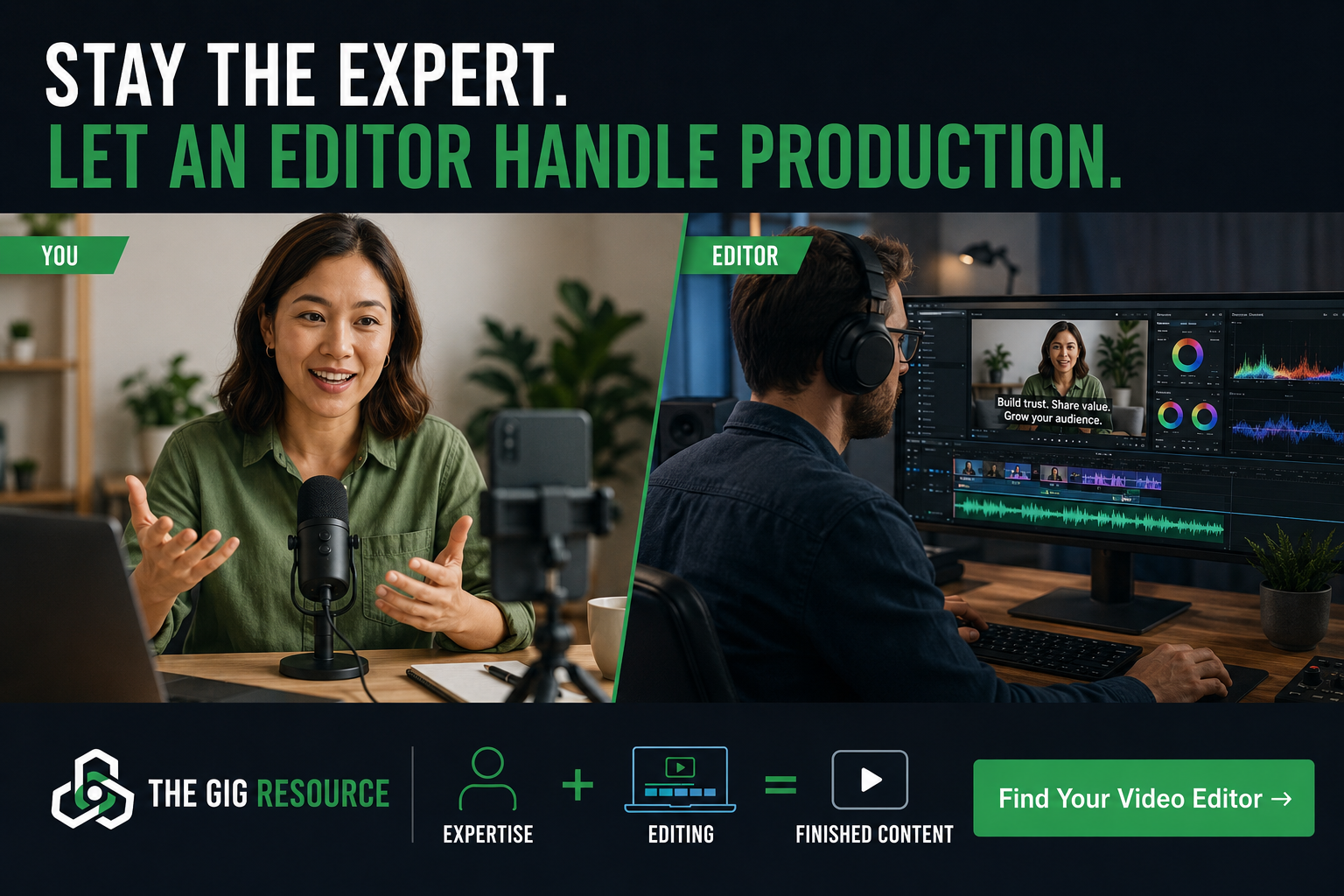
The most efficient small business video strategy is not one where the owner does everything or one where everything is delegated. It is a clear division of labour based on what each party does best.
What the business owner keeps
- Strategy and offer clarity
- Customer knowledge and language
- On-camera delivery and expertise
- Decisions about where video is placed and what it needs to achieve
- Final approval on all content
What to outsource to a specialist
- Editing and pacing
- Caption creation and styling
- Colour grading and audio cleanup
- Motion graphics and lower thirds
- Stock footage sourcing and assembly
- Thumbnail and cover asset creation
- Format exports for different platforms
A freelance video editor or independent production specialist handles these tasks faster, more consistently, and more cost-effectively than a business owner learning software from scratch. The owner’s time is worth more spent on the business than on a timeline in an editing application.
The key is providing a clear brief, which is the single most important factor in getting good results from any outsourced editing relationship.
How to Brief a Video Editor So You Get Better Results
A vague brief produces vague results. A clear brief produces a finished video that needs minimal revision. The following template covers everything a freelance video editor needs to begin work confidently.
Video editing brief template
Project goal:
What should this video achieve? (e.g., “Explain our bookkeeping service to small business owners visiting our homepage and encourage them to book a call.”)
Target viewer:
Who is watching? (e.g., “Small business owners, typically 35-55, running a service business with 1-10 staff, who feel stressed about their accounts.”)
Desired length:
Final video length. (e.g., “60-90 seconds for the website version; 30-45 seconds for a social cut-down.”)
Raw footage:
Link to the shared folder containing labelled clips, along with any notes about which takes are preferred.
Brand assets:
Folder link containing logo files, colour hex codes, font names, and any existing intro/outro templates.
Caption style:
Font preference, colour, size, and position. (e.g., “White text, bold, dark shadow, lower third position, 80% screen width.”)
Pacing reference:
A link to one or two existing videos whose editing pace the business owner likes.
Output formats required:
(e.g., “16:9 MP4 for website, 9:16 MP4 for social, 1:1 square for email.”)
Call to action:
The exact wording and any graphic treatment for the end card.
Revision process:
Feedback will be provided as written notes with timestamps. One round of revisions is included.
This brief takes 20-30 minutes to complete and saves multiple rounds of back-and-forth. It also makes the editing specialist’s work significantly easier, which typically results in faster turnaround and better output.
A 30-Day Small Business Video Plan
A month is enough time to build the foundation of a working video content workflow without overwhelming a busy schedule. The following plan is designed for a business owner who is starting from zero.
Week 1: Define the offer and the customer’s questions
- Write a one-paragraph description of the primary service offer in plain language.
- List 15-20 questions that real customers ask before buying.
- List 5-10 objections or hesitations that come up in sales conversations.
- Identify the one page on the website that most needs a video.
Week 2: Batch record short-form clips
- Set up a simple recording space (clean background, window light, phone on tripod).
- Record 10-15 short clips using the prompts from Week 1.
- Label and organise all raw footage into the folder system.
- Send the first batch to a freelance video editor with a completed brief.
Week 3: Create one website explainer or promotional video
- Write a script using the six-part framework above.
- Record the script in two or three takes.
- Send to the editing specialist with brand assets and output format requirements.
- Review the draft, provide timestamped feedback, and approve the final version.
Week 4: Review performance and refine the workflow
- Publish the short-form clips across relevant social platforms.
- Embed the explainer video on the priority landing page.
- Review basic metrics: view duration, click-through rate, enquiry volume.
- Note what worked, what needs adjustment, and what to record next month.
This four-week cycle, repeated monthly, produces a growing library of content that compounds over time. Each month the workflow becomes faster and the output becomes more refined.
Common Video Strategy Mistakes to Avoid
Most video strategy failures come down to a small number of recurring errors. Recognising them early prevents wasted time and budget.
Starting with software instead of message
Buying an editing application and learning it from scratch before having a clear idea of what the video needs to say is the most common delay. Message clarity comes first; production tools are secondary.
Trying to be everywhere immediately
Attempting to publish on every platform at once leads to thin, inconsistent output. Start with one or two platforms where the target customer is most active, then expand once the workflow is reliable.
Publishing unedited rambling footage
Raw footage almost never works as a finished video. Long pauses, filler words, tangents, and unclear structure all reduce the viewer’s confidence in the business. Editing is not optional, it is what makes the content credible.
Ignoring captions
Captions are a reach and accessibility requirement, not a nice-to-have. Videos without captions are less likely to be watched in sound-off environments and less likely to be accessible to viewers with hearing impairments [6].
Making videos without a call to action
A video that ends without telling the viewer what to do next is a missed opportunity. Every video, short-form social clip or long-form explainer, should end with one specific, clear next step.
Treating the editor as the strategist
A freelance video editor is a production specialist, not a marketing strategist. Providing a clear brief, a defined goal, and specific output requirements is the business owner’s responsibility. Expecting the editor to figure out the strategy from raw footage produces inconsistent results.
Frequently Asked Questions
How many videos should a small business create each month?
A realistic starting point is four to eight short-form clips per month and one longer promotional or explainer video per quarter. Consistency matters more than volume. Four well-briefed, properly edited clips published reliably will outperform twenty rushed, unedited clips posted sporadically.
Do I need professional camera equipment?
No. A current-generation smartphone records video quality that is more than sufficient for social content and website video. The factors that matter most, audio clarity, stable framing, and good lighting, can all be achieved with a small external microphone, a basic tripod, and natural window light.
What should I record first?
Record the answer to the most common question your customers ask before they buy. This is almost always the most useful piece of content, and it serves double duty: it educates new visitors and reduces the time spent answering the same question in sales calls.
When should I hire a video editing specialist?
As soon as there is raw footage worth editing. Waiting until the footage is “perfect” before involving an editor is a common delay. A good editing specialist can work with imperfect footage, that is part of the job. The earlier the specialist is involved, the faster the workflow becomes efficient.
What is the difference between a short-form video and a promotional video?
A short-form video is designed for social feeds, typically under 90 seconds, vertical format, single idea, optimised for discovery and retention. A promotional video is designed for a specific conversion context, a website landing page, a sales proposal, or an email sequence, and is structured to move a viewer from interest to action. Both are part of a complete small business video strategy, but they serve different purposes and should be produced with different goals in mind.
How long should a website explainer video be?
For a homepage or primary service page, 60 to 90 seconds is the effective range. Long enough to cover the problem, solution, credibility, process, and call to action, short enough to hold the attention of a visitor who arrived with a specific question. Videos longer than two minutes on a landing page tend to see significant drop-off before the call to action is reached.
The Bottom Line
A working small business video strategy has two layers. The first layer is an attention engine, short-form clips that reach new viewers, establish authority, and bring people into the business’s orbit. The second layer is a conversion system, promotional and explainer videos that take interested visitors and give them the clarity and confidence to take the next step.
Underneath both layers is a repeatable workflow: clear prompts, organised folders, a reliable editing specialist, and a consistent publishing schedule. That workflow is what separates businesses that get occasional results from video from those that build a compounding content asset over time.
The business owner’s job is not to become a video editor. It is to be the expert, provide the raw material, and give the specialist the information needed to produce something worth watching. That division of labour is what makes the whole system sustainable for a business that has real work to do every day.
Start with one video. Brief it clearly. Publish it in the right place. Then repeat.
References
[1] Video Marketing Trends – https://www.clickforest.com/en/blog/video-marketing-trends
[3] Video Marketing For Small Business – https://adwave.com/resources/video-marketing-for-small-business
[4] Video Marketing Small Business – https://www.alloramedia.us/blog/video-marketing-small-business
[5] Video Marketing Statistics 2025 What Every B2b Marketer Needs To Know For 2026 – https://levitatemedia.com/learn/video-marketing-statistics-2025-what-every-b2b-marketer-needs-to-know-for-2026
[6] Video Marketing Statistics – https://sqmagazine.co.uk/video-marketing-statistics/
[7] Small Business Video Marketing 2026 Strategy – https://authorityexposure.com/small-business-video-marketing-2026-strategy/
[8] Video Marketing For Local Businesses A 2026 Playbook – https://www.optuno.com/blog/video-marketing-for-local-businesses-a-2026-playbook
[9] 5 Video Marketing Tips For Small Businesses In 2026 – https://www.pardimanproductions.com/post/5-video-marketing-tips-for-small-businesses-in-2026
[10] Video Marketing For Small Business – https://distribb.io/blog/video-marketing-for-small-business