
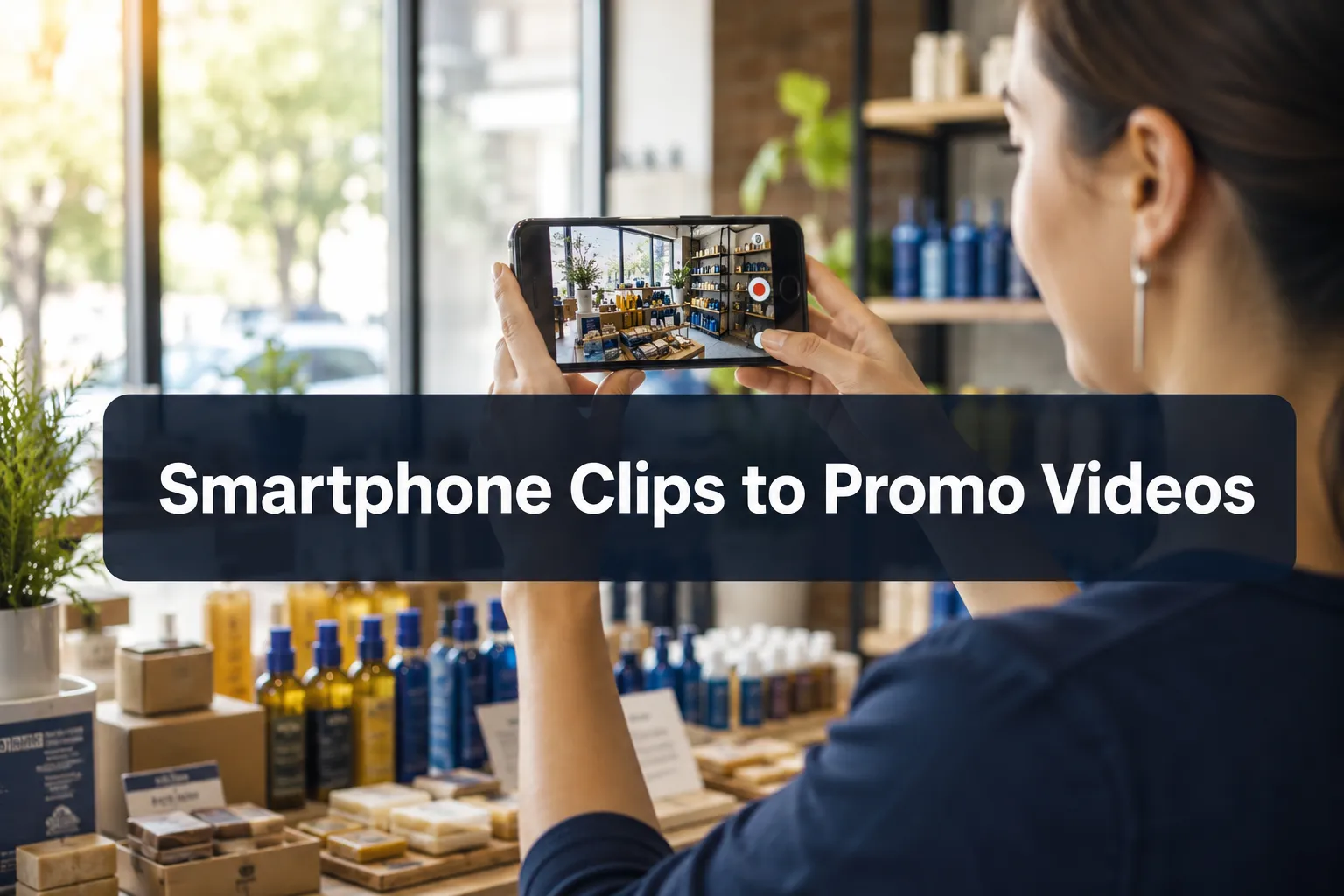
Short-form video now drives more purchase decisions than any other content format, and small businesses that skip it are leaving measurable revenue on the table. According to data from Metricool’s 2025 State of Short Form Video Report, short-form video has become the dominant marketing format and a top investment priority heading into 2026 [3]. The encouraging truth is that affordable promotional videos do not require a production crew, a rented studio, or expensive camera equipment. A modern smartphone, a clear strategy, and a skilled freelance editor are enough to produce campaign-ready content that competes with brands spending far more.
This guide walks through the complete workflow, from filming raw clips in your store or workspace to delivering polished promo videos ready for Instagram Reels, TikTok, YouTube Shorts, and paid ad campaigns.
Key Takeaways
- Smartphone footage is technically sufficient for professional-looking promo videos when core production fundamentals are applied
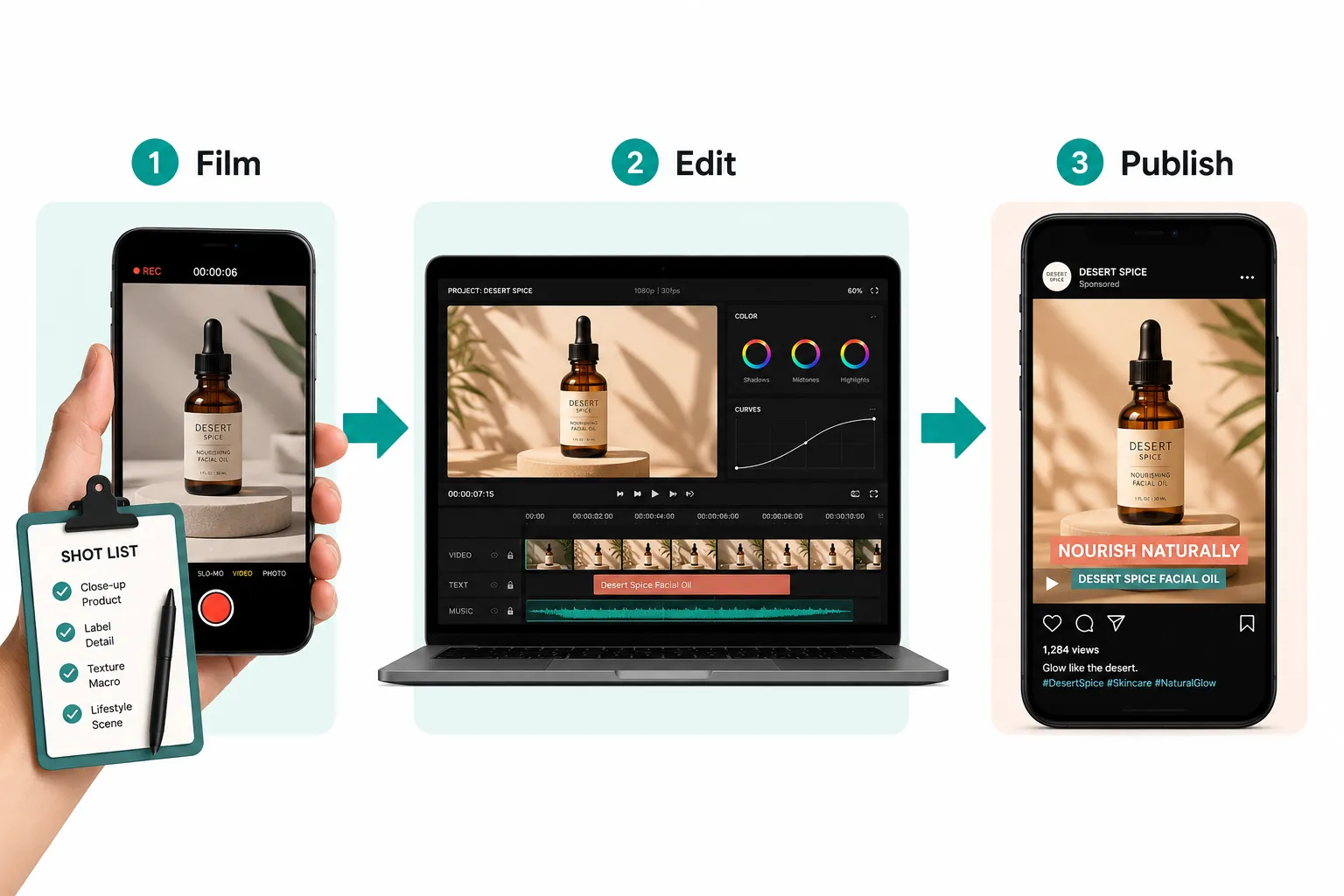
- A repeatable weekly workflow, film, upload, edit, publish, keeps content consistent without overwhelming a small team
- Elements like captions, b-roll, pacing, licensed music, color grading, and a clear call to action transform raw clips into polished promos
- Hiring a freelance video editor is a cost-effective alternative to full-service agencies, with realistic project rates starting around $75,$400 per video
- Short-form video is the highest-ROI content format for small business marketing in 2026, making investment in this area a strategic priority [3]
Table of Contents
- Why Smartphone Video Works for Small Business Marketing
- The Production Fundamentals That Make the Difference
- The Workflow: From Raw Clips to Campaign-Ready Promos
- How to Create Affordable Promotional Videos with a Freelance Editor
- Realistic Cost Ranges for Small Business Video Production
- Small Business Video Production Checklist
- FAQ
- Conclusion
- References
Why Smartphone Video Works for Small Business Marketing
Consumer behavior has shifted decisively toward video. Research shows that a significant majority of consumers prefer watching short video clips to discover products and services rather than reading text-based content [2]. Platforms like TikTok, Instagram Reels, and YouTube Shorts have trained audiences to expect short, punchy, visually engaging content, and they reward it with organic reach that longer formats rarely achieve.
For small business owners, this shift is an opportunity, not a burden. Modern smartphones capture 4K footage with optical stabilization, decent low-light performance, and built-in microphones capable of recording usable audio in controlled environments. The gap between “filmed on a phone” and “filmed on a professional camera” has narrowed to the point where production fundamentals, not equipment, determine whether a video looks polished or amateurish [2].
The real differentiator is not the camera. It is the edit.
Raw smartphone clips are rarely promotional videos on their own. They become promotional videos through scripting, pacing, captions, music, color grading, and a clear call to action, all of which happen in post-production. This is precisely where working with a skilled editor, rather than trying to do everything in-house, pays dividends.
Short-Form Video by the Numbers
The data supporting video investment is hard to ignore:
- Short-form video consistently ranks as a top marketing investment priority for businesses of all sizes [3]
- Consumers are significantly more likely to share video content than static images or text posts [8]
- Video content on social platforms generates higher engagement rates than any other content type [3]
- Small businesses using video report stronger brand recall and faster conversion cycles compared to those relying on static content [7]
These numbers explain why even businesses with modest budgets are prioritizing video in their 2026 marketing plans.
The Production Fundamentals That Make the Difference
Understanding what separates a raw smartphone clip from a finished promotional video is essential before filming a single frame. Each element below contributes to the final result.
Scripting and Shot Lists
Every effective promo video starts with a script, even a loose one. A script does not need to be a word-for-word teleprompter document. It can be a simple outline:
- What problem does this video address?
- What product, service, or offer is being shown?
- What action should the viewer take?
Alongside the script, a shot list tells the person filming exactly which clips to capture. A shot list for a 30-second product promo might include: a wide shot of the product on a clean surface, a close-up of a key feature, a lifestyle shot showing the product in use, and a final shot of the brand logo or storefront. Shot lists reduce wasted filming time and ensure the editor has everything needed to build the video without requesting reshoots.
B-Roll Footage
B-roll refers to supplementary footage layered over a primary clip or voiceover. For a bakery, b-roll might include steam rising from fresh bread, hands decorating a cake, or a customer smiling at the counter. B-roll makes videos visually dynamic and prevents the “talking head” monotony that causes viewers to scroll away.
Instruct whoever is filming to capture at least 3-5 b-roll clips per shoot. These do not need to be perfect, they just need to be steady, well-lit, and relevant.
Captions and Text Overlays
Research consistently shows that a large portion of social video is watched without sound [8]. Captions are no longer optional, they are a baseline requirement for reach and accessibility. A skilled editor adds captions that are timed precisely to speech, styled to match the brand, and positioned to avoid covering key visual elements.
Text overlays, short phrases that reinforce key messages, are equally important. Phrases like “Free shipping this week” or “Book your consultation today” displayed on screen drive action even when audio is muted.
Pacing and Cuts
Pacing is the rhythm of the edit. Short-form promo videos typically cut every 2-4 seconds to maintain viewer attention. An editor controls pacing by selecting the best moments from each clip, trimming dead space, and arranging cuts to create forward momentum. Poor pacing, clips that linger too long or jump too abruptly, is one of the most common reasons DIY videos underperform.
Licensed Music
Background music sets the emotional tone of a video. An upbeat track makes a product feel energetic and fun; a calm, minimal track positions a service as premium and trustworthy. Editors sourcing music for client videos use licensed music libraries to avoid copyright strikes on platforms like YouTube and TikTok. The right track, mixed at the correct volume beneath any voiceover or dialogue, elevates the entire production.
Color Grading
Color grading adjusts the visual tone of footage to create consistency and mood. Raw smartphone footage often looks flat or slightly inconsistent across clips filmed in different lighting conditions. A color grade, even a subtle one, unifies the look of the video and gives it a professional finish that audiences associate with quality brands [6].
Sound Design and Audio Cleanup
Audio quality matters as much as visual quality. Background noise, wind, or room echo in raw footage can be reduced significantly in post-production using noise reduction tools. Editors also balance audio levels so that music, voiceover, and natural sound sit at appropriate volumes relative to each other. Clean audio is one of the clearest signals that a video was professionally produced.
Calls to Action
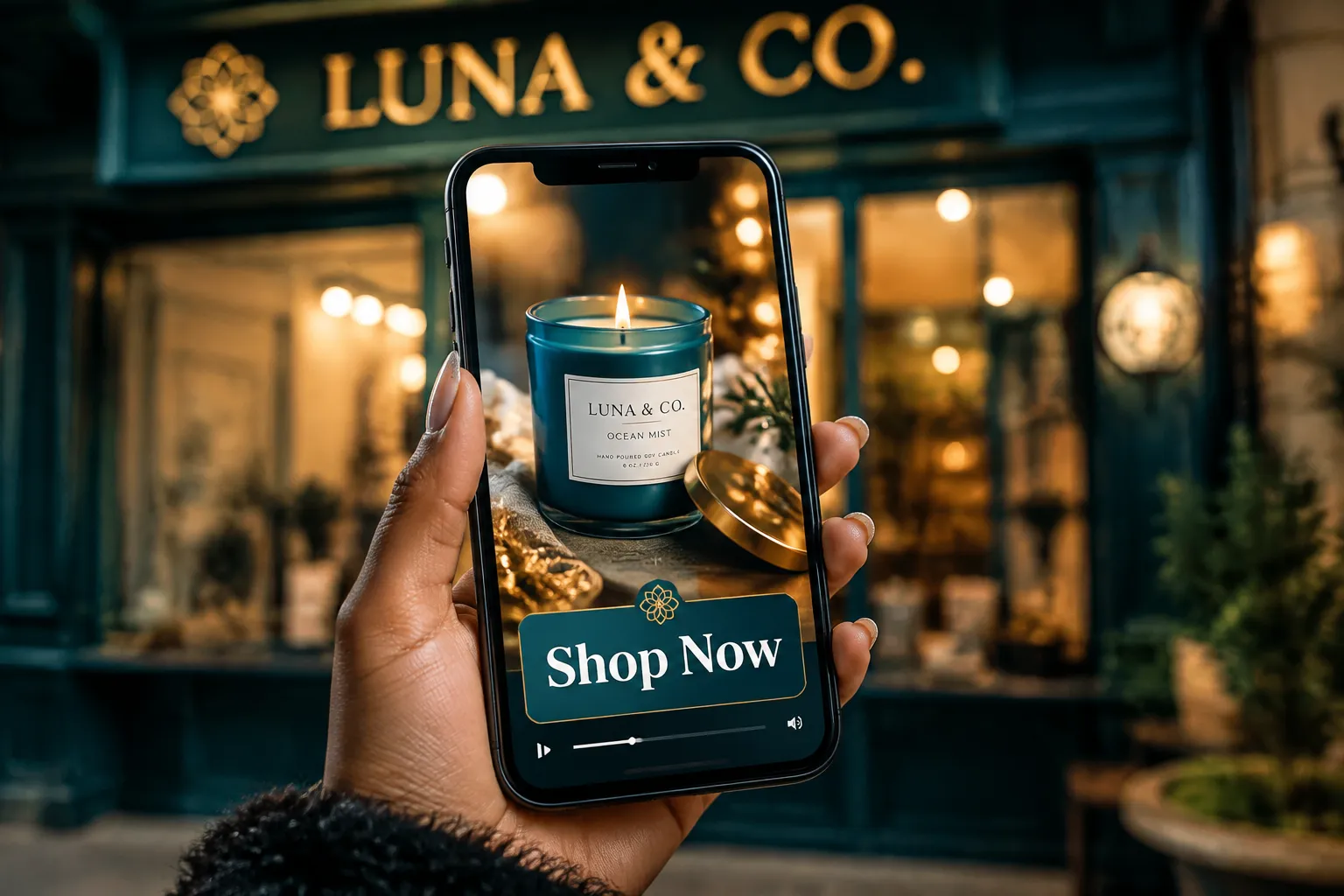
Every promotional video needs a clear call to action (CTA). The CTA tells the viewer exactly what to do next: visit a website, use a discount code, follow an account, or book an appointment. Effective CTAs are specific, time-bound where possible, and placed at both the midpoint and end of the video. An editor can animate the CTA as a text overlay, include it in a branded end card, or both.
The Workflow: From Raw Clips to Campaign-Ready Promos
The following workflow is designed for small business owners who want consistent video output without spending hours in front of an editing timeline.
Step 1, Plan the Content
Before filming, decide what the video needs to accomplish. Is it a product showcase? A limited-time offer? A behind-the-scenes brand story? Define the goal, the platform (TikTok, Instagram Reels, YouTube Shorts, or a paid ad), and the desired length (15 seconds, 30 seconds, or 60 seconds).
Use a simple template:
| Element | Decision |
|---|---|
| Goal | Drive online orders / increase foot traffic / grow followers |
| Platform | TikTok / Instagram / YouTube Shorts |
| Length | 15s / 30s / 60s |
| Key message | One sentence |
| CTA | Specific action + deadline |
Step 2, Film the Raw Clips
Using the shot list, film all required clips in a single session or across a few days. Basic filming tips that make the editor’s job easier:
- Film horizontally for YouTube; vertically for TikTok and Reels. If unsure, film vertically, it can be adapted.
- Use natural light or a simple ring light. Avoid overhead fluorescent lighting, which creates unflattering color casts.
- Keep the phone steady. Use a tripod or prop the phone against a stable surface.
- Film each clip for at least 5-10 seconds even if only 2-3 seconds will be used. Extra footage gives the editor flexibility.
- Capture audio separately if possible. Record any voiceover in a quiet room using a lapel microphone plugged into the phone.
Step 3, Upload Raw Footage
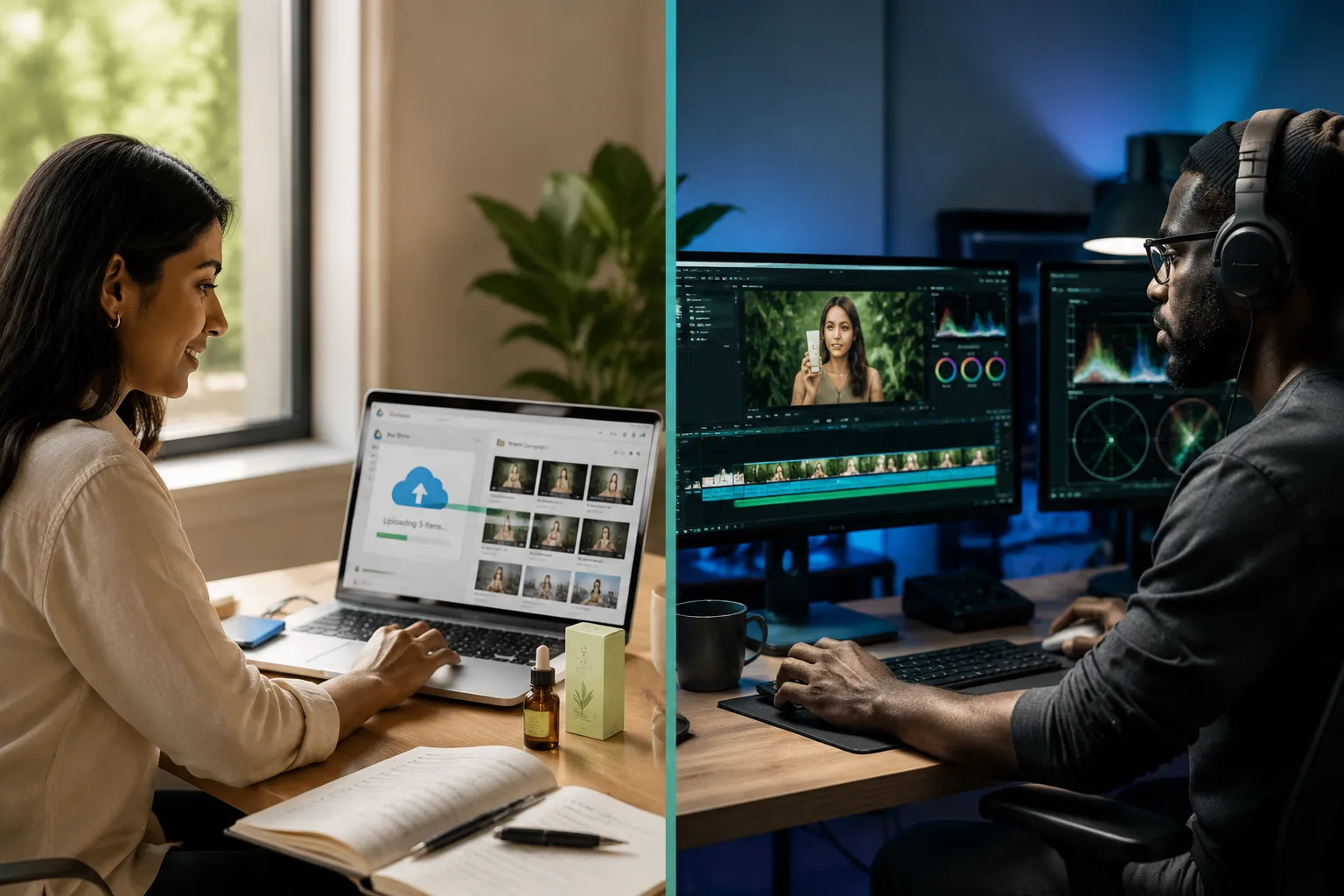
Transfer all clips to a shared cloud folder, Google Drive, Dropbox, or a similar service, organized by shoot date and clip type. Include any brand assets: logo files, brand color codes, font names, and any existing music preferences. A brief written note explaining the goal of the video and any specific requests saves significant back-and-forth time.
Step 4, The Editor Builds the Promo
A freelance video editor receives the raw footage and brand brief, then constructs the finished video. This phase includes:
- Selecting the best clips and trimming unusable footage
- Arranging clips according to the script or outline
- Adding captions, text overlays, and animated elements
- Applying color grading for visual consistency
- Sourcing and mixing licensed background music
- Adding sound design and audio cleanup
- Building an animated CTA end card
- Exporting in the correct format and resolution for each platform
Step 5, Review and Publish
The editor delivers a draft for review, typically within 2-5 business days depending on complexity. The business owner reviews, requests any revisions, and approves the final version. The finished video is then published to the target platform, scheduled through a social media management tool, or uploaded to a paid ad campaign.
This workflow, repeated weekly or bi-weekly, creates a consistent stream of polished content without requiring the business owner to develop editing skills.
How to Create Affordable Promotional Videos with a Freelance Editor
Choosing to hire a freelance video editor rather than attempting to edit in-house is one of the most efficient decisions a small business can make. Editing is a technical skill that takes years to develop, time that a business owner does not have. A professional editor working on a per-project or retainer basis delivers faster results, higher quality, and platform-specific optimization that generic DIY tools cannot match.
What to Look for When You Hire a Freelance Video Editor
When evaluating candidates to hire a freelance video editor for promotional content, prioritize the following:
- A portfolio that includes short-form promo videos, not just long-form content or event highlight reels
- Platform-specific experience, an editor who understands TikTok pacing and caption styles is different from one who specializes in YouTube video editing services
- Clear communication and turnaround times, reliable editors set expectations upfront and meet deadlines consistently
- Familiarity with brand consistency, the ability to apply a color palette, font, and logo style across multiple videos so all content looks cohesive
Outsource TikTok Editing and Platform-Specific Work
Different platforms have different technical requirements and audience expectations. When businesses outsource TikTok editing, they benefit from an editor who understands the platform’s algorithm preferences, trending caption styles, hook structures, and optimal video lengths. Similarly, YouTube video editing services for Shorts require knowledge of thumbnail optimization, end screen placement, and subscriber-growth best practices.
Attempting to apply a one-size-fits-all approach across platforms reduces performance. Platform-specific editing is a meaningful differentiator.
AI Tools as a Supplement, Not a Replacement
AI-powered video tools have improved significantly and can assist with tasks like auto-captioning, background removal, and basic clip trimming [4] [5]. However, they do not replace the creative judgment of a skilled human editor, particularly for brand-specific color grading, music selection, pacing decisions, and CTA design. The most effective approach uses AI tools to handle repetitive tasks while a human editor handles creative decisions [9] [10].
Realistic Cost Ranges for Small Business Video Production
One of the most common questions from small business owners is how much professional video production actually costs when working with freelance editors rather than full-service agencies.
The following ranges reflect typical 2026 market rates for freelance video editing of smartphone-filmed promotional content:
Per-Video Editing (30-60 seconds, single platform):
- Basic edit (cuts, captions, music): $75,$150
- Standard edit (color grade, animated text, CTA card): $150,$275
- Premium edit (motion graphics, sound design, multi-format export): $275,$450
Monthly Retainer (4-8 videos per month):
- Entry-level retainer: $300,$600/month
- Mid-tier retainer: $600,$1,200/month
- Full-service retainer (includes strategy input): $1,200,$2,500/month
Comparison: Agency vs. Freelance
A traditional professional video production agency typically charges $2,000,$10,000+ for a single promotional video, including filming. A freelance editor working with owner-filmed smartphone footage can deliver comparable visual quality for a fraction of that cost, making affordable promotional videos genuinely accessible to businesses at any revenue level [6] [7].
Small Business Video Production Checklist
Use this checklist before, during, and after each video project.
Before Filming
- Define the video goal and target platform
- Write a simple script or outline
- Create a shot list with specific clips needed
- Confirm lighting setup (natural light or ring light)
- Charge phone and clear storage space
- Identify a quiet location for any voiceover recording
During Filming
- Film each clip for at least 5-10 seconds
- Capture at least 3-5 b-roll clips per session
- Film in the correct orientation for the target platform
- Check focus and exposure before each clip
- Record voiceover in a quiet room if needed
When Uploading to Editor
- Organize clips in a labeled cloud folder
- Include brand assets (logo, colors, fonts)
- Write a brief video brief (goal, CTA, tone, any specific requests)
- Note any clips to avoid or prioritize
After Delivery
- Review captions for accuracy
- Confirm CTA is correct and links are working
- Check export format matches platform requirements
- Publish and track performance metrics (views, engagement, click-through rate)
FAQ
How long does it take to produce a finished promo video from smartphone footage?
Turnaround time depends on complexity and the editor’s current workload. A standard 30-60 second promo video typically takes 2-5 business days from footage upload to first draft delivery. Rush timelines are often available for an additional fee.
Do I need professional lighting equipment to film usable footage?
Not necessarily. Natural daylight from a window is often sufficient for product and lifestyle shots. A basic ring light ($30,$80) significantly improves footage quality in indoor environments with poor natural light. The most important factor is consistency, avoid mixing very different lighting conditions across clips intended for the same video.
What file format should I use when uploading raw smartphone footage?
Most smartphones export footage in MP4 or MOV format, both of which are standard and widely accepted by editing software. Upload the original, uncompressed files rather than compressed versions shared through messaging apps, which reduce quality significantly.
Can one set of smartphone clips be edited into multiple platform formats?
Yes, and this is one of the most cost-effective strategies available. A single filming session can yield a 60-second YouTube Short, a 30-second Instagram Reel, and a 15-second TikTok clip, all edited differently for each platform’s audience and algorithm. Discuss multi-format delivery with your editor upfront, as this is often included in retainer agreements.
What is the difference between hiring a freelance video editor and using a DIY video app?
DIY apps offer templates and basic tools, but they apply the same generic styles to every business. A freelance editor applies brand-specific color grades, custom animated text, licensed music, and platform-optimized pacing that makes content look and feel unique. For promotional content intended to drive sales, the quality gap is significant.
How do I measure whether my promotional videos are working?
Track platform-native metrics: views, average watch time, engagement rate (likes, comments, shares), and click-through rate on any linked CTA. For paid ad campaigns, monitor cost-per-click and conversion rate. Improving average watch time, the percentage of the video viewers complete, is typically the most reliable early indicator of content quality.
Conclusion
The barrier to professional-looking promotional video has never been lower. A smartphone, a clear shot list, and a skilled freelance editor are the only tools a small business needs to produce content that drives real marketing results in 2026. The key is understanding that filming is only half the process, the edit is where raw clips become affordable promotional videos that build brand recognition, generate engagement, and support sales.
Actionable next steps:
- Choose one product, service, or offer to promote and write a three-sentence script for it
- Create a shot list of five specific clips that support that script
- Film those clips in a single 30-minute session using natural light and a stable surface
- Upload the footage to a shared cloud folder with a brief video brief attached
- Reach out to a freelance video editor with relevant short-form promo experience and request a quote for a single test video
Start with one video. Review the results. Refine the process. Businesses that build a consistent short-form video habit in 2026 will have a meaningful competitive advantage over those that continue to treat video as optional.
References
[1] Which Ai Video Editing Platforms Offer The Best Features For – https://motionvid.ai/blog/which-ai-video-editing-platforms-offer-the-best-features-for
[2] Smartphone Video Marketing Small Business Growth – https://thinkenvy.com/smartphone-video-marketing-small-business-growth
[3] What The Data Tells Us About Short Form Video Insights From Metricools 2025 State Of Short Form Video Report – https://www.marketingtechnews.net/news/what-the-data-tells-us-about-short-form-video-insights-from-metricools-2025-state-of-short-form-video-report/
[4] Ai Video Marketing Tools 2026 Marketers – https://www.aimadefor.com/blog/ai-video-marketing-tools-2026-marketers/
[5] Best Ai Video Marketing Tools 2026 – https://dmarketertayeeb.com/blog/best-ai-video-marketing-tools-2026/
[6] Best Promo Video Makers 2026 Compared – https://adcreate.com/blog/best-promo-video-makers-2026-compared
[7] Video Marketing For Small Business – https://adwave.com/resources/video-marketing-for-small-business
[8] Short Form Video Statistics – https://marketingltb.com/blog/statistics/short-form-video-statistics/
[9] Best Ai Video Generators For Marketing – https://openart.ai/blog/best-ai-video-generators-for-marketing/
[10] Best Ai Video Tools Marketing Ads 2026 – https://www.heygen.com/blog/best-ai-video-tools-marketing-ads-2026